REFERENCE BOARD ALTERNATIVE
FloatBoard vs PureRef: Which Always-on-Top Reference Tool Fits Your Workflow?
The Quick Verdict: Choose PureRef if you exclusively need an infinite canvas for hundreds of high-resolution illustration references. Choose FloatBoard if you want an always-on-top desktop board that handles text notes, code snippets, web research, and live clipboard history alongside visual references for a one-time $5.99 lifetime license.
FloatBoard Native · Dual Silhouette & Reference Grid
ACTIVE BOARD
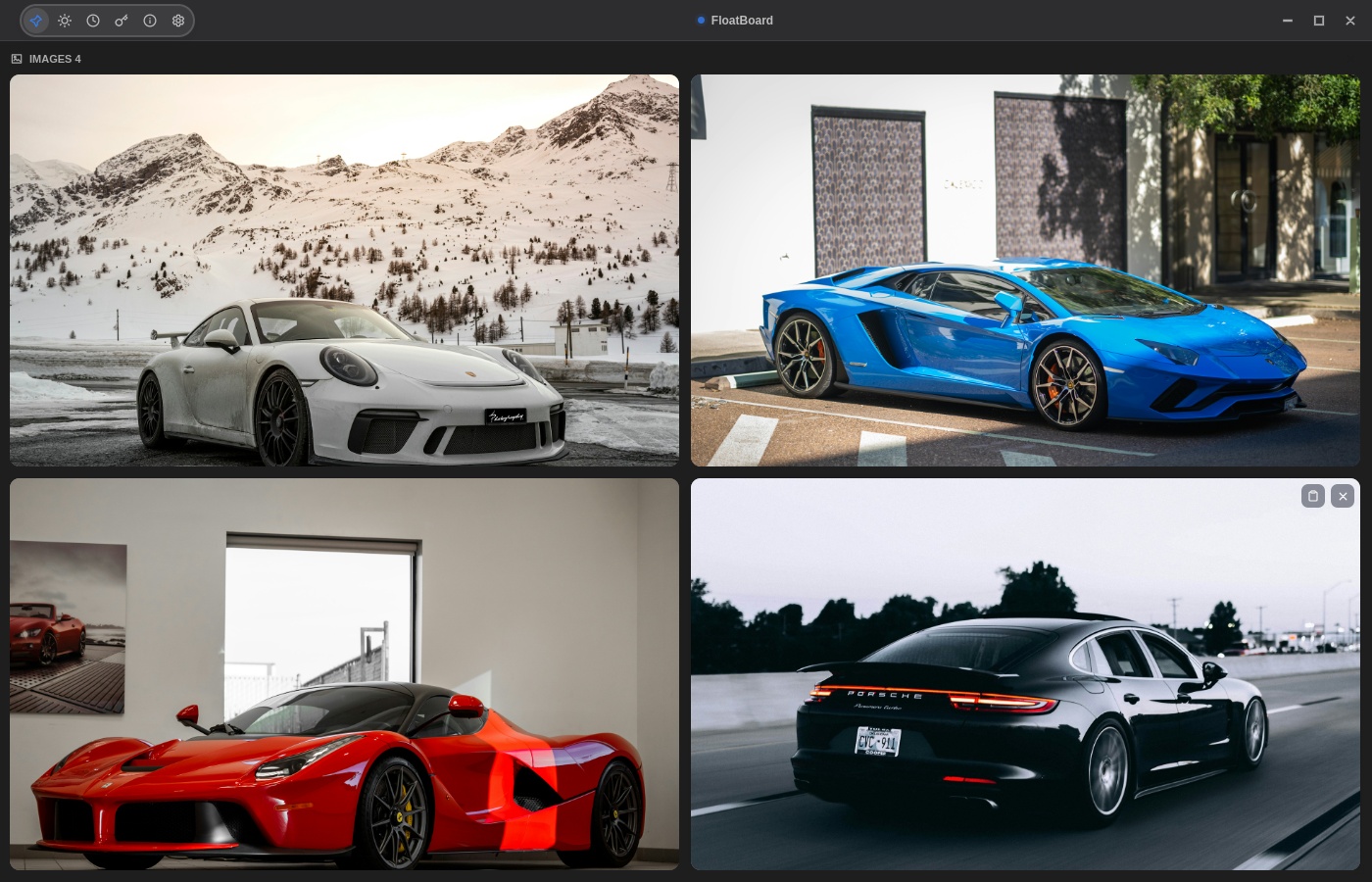
Text + Images Together
Combine image crops, color values, and markdown scratchpads in one view
Automatic Clipboard Capture
Copy images or text snippets directly into the floating board with zero friction
Why Look for a PureRef Alternative?
PureRef is a staple tool for digital painters, 3D artists, and illustrators who need a mood board pinned over Photoshop or Blender. However, many developers, writers, UI designers, and researchers run into fundamental limitations:
- No native clipboard history: PureRef cannot capture copied text, links, or repetitive code snippets from other applications.
- Text notes are secondary: While PureRef supports basic text labels, it is not built for structured checklists, developer tokens, or rich text editing.
- Complex canvas for quick tasks: Zooming and panning an infinite canvas can feel heavy when you only need two reference photos and a color code visible while drafting.
Side-by-Side Feature Comparison
| Feature | FloatBoard | PureRef |
|---|---|---|
| Always-on-Top Floating Mode | Yes (Text, Images & Clips) | Yes (Images canvas) |
| Live Clipboard History Capture | Built-in automatic capture | Not supported |
| Text Notes & Checklists | Rich floating cards & notes | Basic text labels only |
| Supported Platforms | Windows 10/11, macOS, Linux | Windows, macOS, Linux |
| Pricing Model | Free trial / $5.99 Lifetime Pro | Pay-what-you-want / Commercial tiers |
| Data Privacy | 100% Offline & Local | 100% Offline & Local |
When FloatBoard Is the Better Choice
FloatBoard is designed for desktop productivity across multi-app workflows. Instead of an isolated image canvas, it acts as your temporary working memory on screen:
- Coding UI & Web Development: Pin design tokens, API JSON samples, and mockup screenshots side by side without losing editor focus.
- Research & Writing: Keep source quotes, references, and citations visible right beside your document editor.
- Lightweight Footprint: Instant startup, minimal RAM consumption, and zero background telemetry.