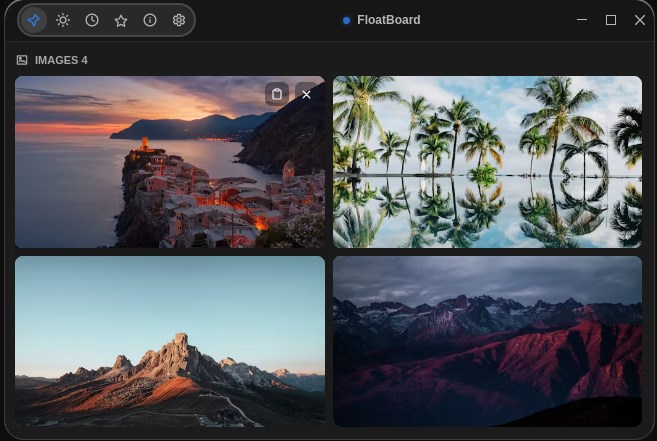
Designers & illustrators
Organize reference images for your next design: a practical workflow, a PureRef, Eagle, Milanote and FloatBoard comparison, and tips for keeping notes beside images.
Read the guide →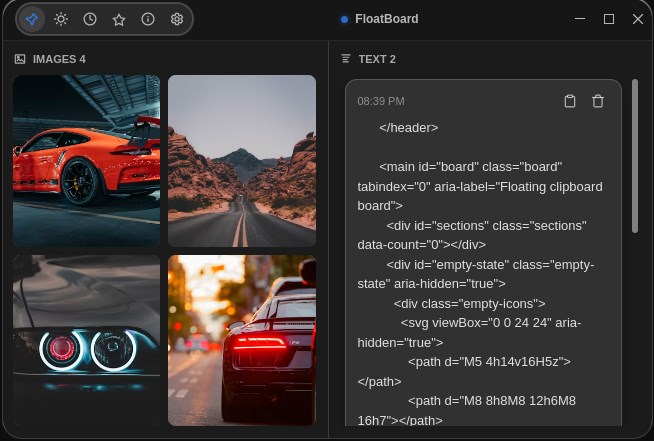
Developer workflow
Use a temporary reference board for a UI debugging task. Keep a screenshot, relevant code and expected behavior together without losing the original sources.
Read the guide →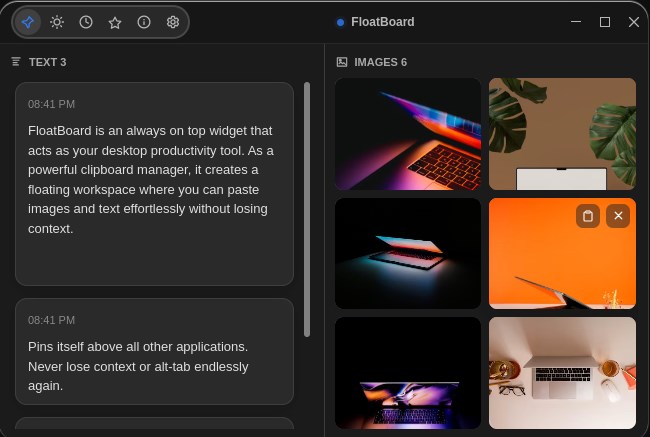
Writing with notes
Set up always-on-top reference notes beside a draft. Keep source links, quotations and image reminders separate from your own wording with a practical writing workflow.
Read the guide →About these guides
Published by FloatBoard, the app featured in these examples. Each guide addresses a specific workflow and explains when another tool is a better fit. Read our editorial approach.